

Safe Device Management
Ensuring safe and secure digital learning
At Wriggle, we understand that all schools require a safe, secure and effective digital learning solution to ensure that your students’ devices are set up for educational use only. That is why we build Safe Device Management software into all of our technology bundles to ensure that you have full control over the security and restrictions placed on each device used in school.
What is safe device management?
Safe Mobile Device Management (MDM) is an important element in ensuring technology’s safe and effective transition into the classroom. MDM allows schools to monitor, control and manage the content on their students’ devices from a centralised portal that Wriggle’s tech team create or configure for your school.
This ensures that students have access to the educational tools they need while protecting them from security risks, inappropriate content and unnecessary distractions.
For school leaders, effective device management reduces the workload on IT staff and teachers, improves safeguarding, strengthens data security and helps maintain consistency across every device in the school.

How does Wriggle Lock down Student Devices for Educational Use?
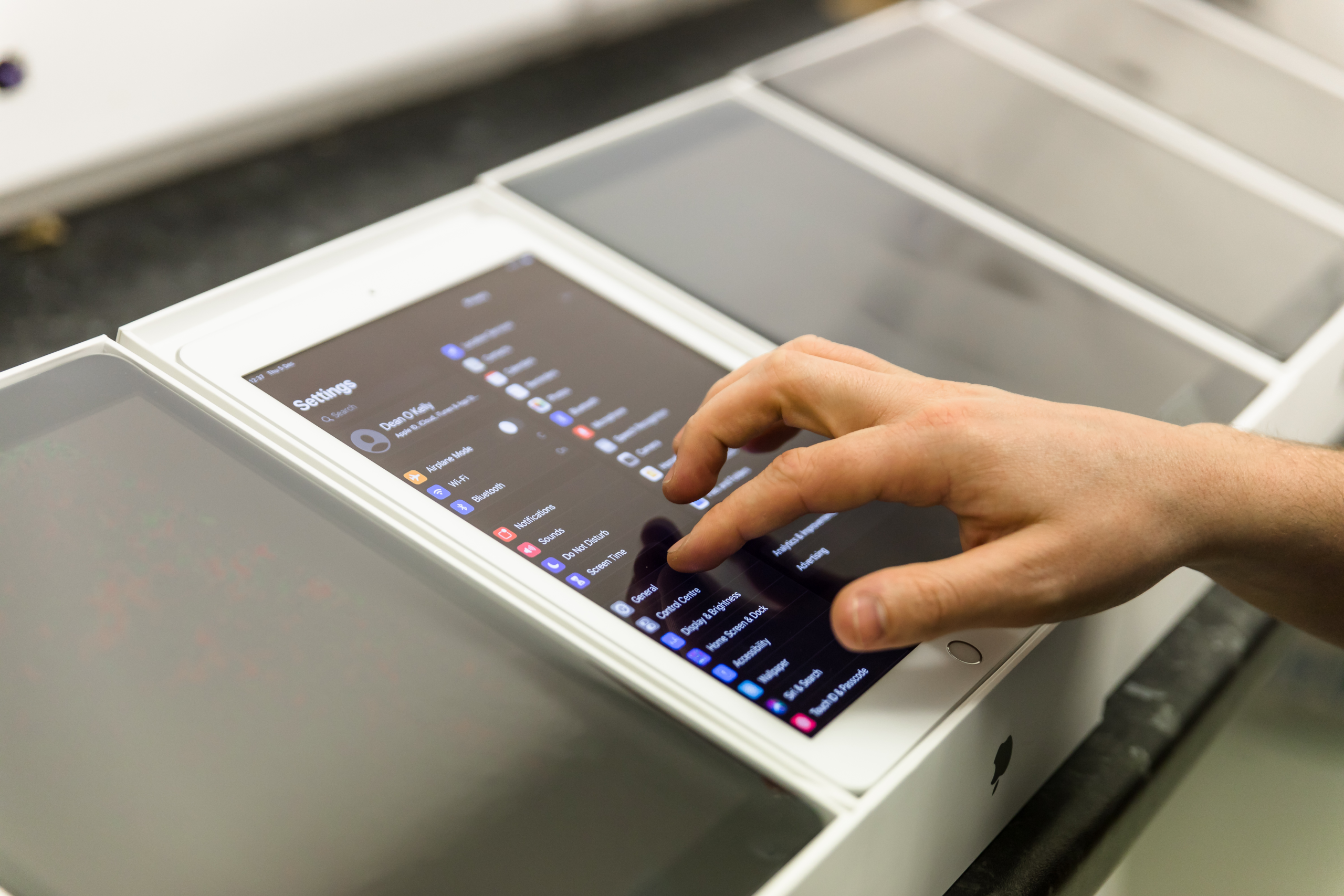
Wriggle’s in-house tech team have over 120 years’ combined experience and expertise in configuring and safely managing student devices to ensure they are ready for school use straight from the box. All student devices go through a rigorous 77 step process which includes:
- Safe Mobile Device Management (MDM) software installation on every student device
- Removal of the device app store to prevent students from downloading inappropriate apps, games and social media platforms.
- Installation of all school-requested educational apps and eBooks (if used) on all devices
- School-specific restrictions applied to every device in line with school policies
- All app updates and new educational apps are remotely pushed to all student devices, seamlessly keeping devices up to date.
- Remote reconfiguration, tracking and unlocking of devices as needed
Student devices are managed, secured and supported throughout the student time in school, ensuring the devices remain secure, compliant and learning-focused.
What can schools do through their mobile device management portal?
- Your school’s device management portal controls all devices from a single, easy-to-use web portal to ensure they are used for educational purposes only
- Schools can add or remove apps and apply restrictions to all your students’ devices at the click of a button instead of doing it individually to each device
- You can easily locate any device that has been lost
- Teachers can view and guide the class, and provide a personalised learning experience
- You can control what students can or can’t access and ensure that each student is on track
- …and apply settings that will support your student’s individual learning needs
GDPR Compliance
Whether you use Office 365, iCloud or Google Workspace to store or share students’ work, our built-in data protection features and solutions help you keep your school data and documents safe and GDPR compliant.
Contact us for more information on how Wriggle can help you safely set up and manage your devices.
Schedule a Call
Get in touch with our Education Solution Specialists today. We’d love to speak with you about your ambitions for digital learning and discuss how Wriggle Learning can support your school or college with our technology and services.