
Services and Support
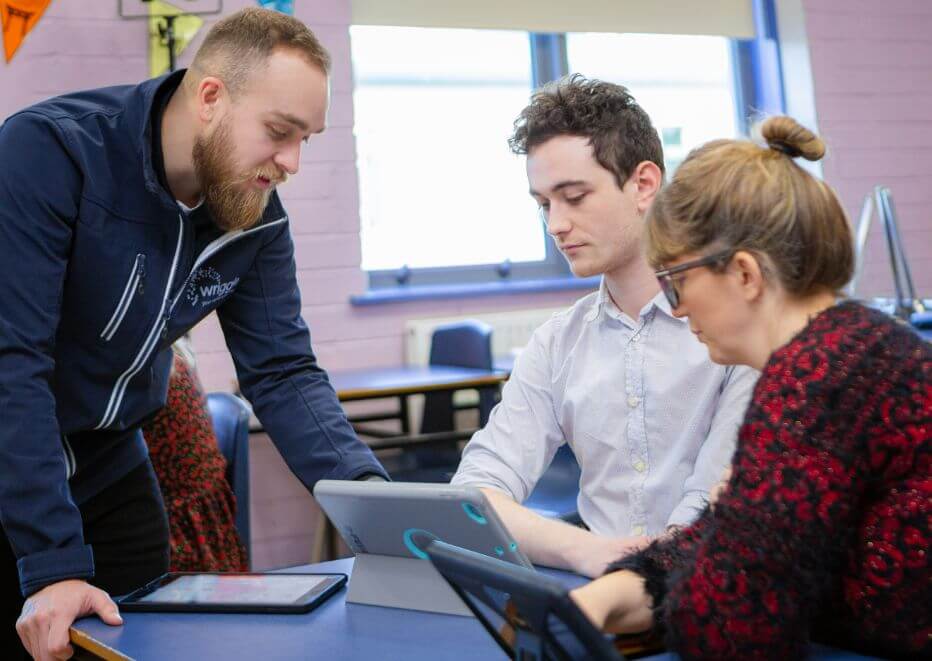
Supporting Learners Through Technology
There are amazing tools built into your child’s edtech device to support their learning, but handing a student an unmanaged device means that they can also access gaming, social media apps and other distracting, inappropriate content. That is why Wriggle’s technology team builds management software into your child’s device to ensure that it is safely managed with school apps downloaded and updated for the duration of their time in school.
From full device setup for school to ongoing tech updates and parent and student support, Wriggle’s team of over 150 teachers, tech engineers and customers support experts are dedicated to ensuring you and your child have everything you need setup, ready to learn safely with your device in school.
Take a look at the full list of comprehensive safe device setup, training and supports available to you included as part of your child’s school technology bundle below.
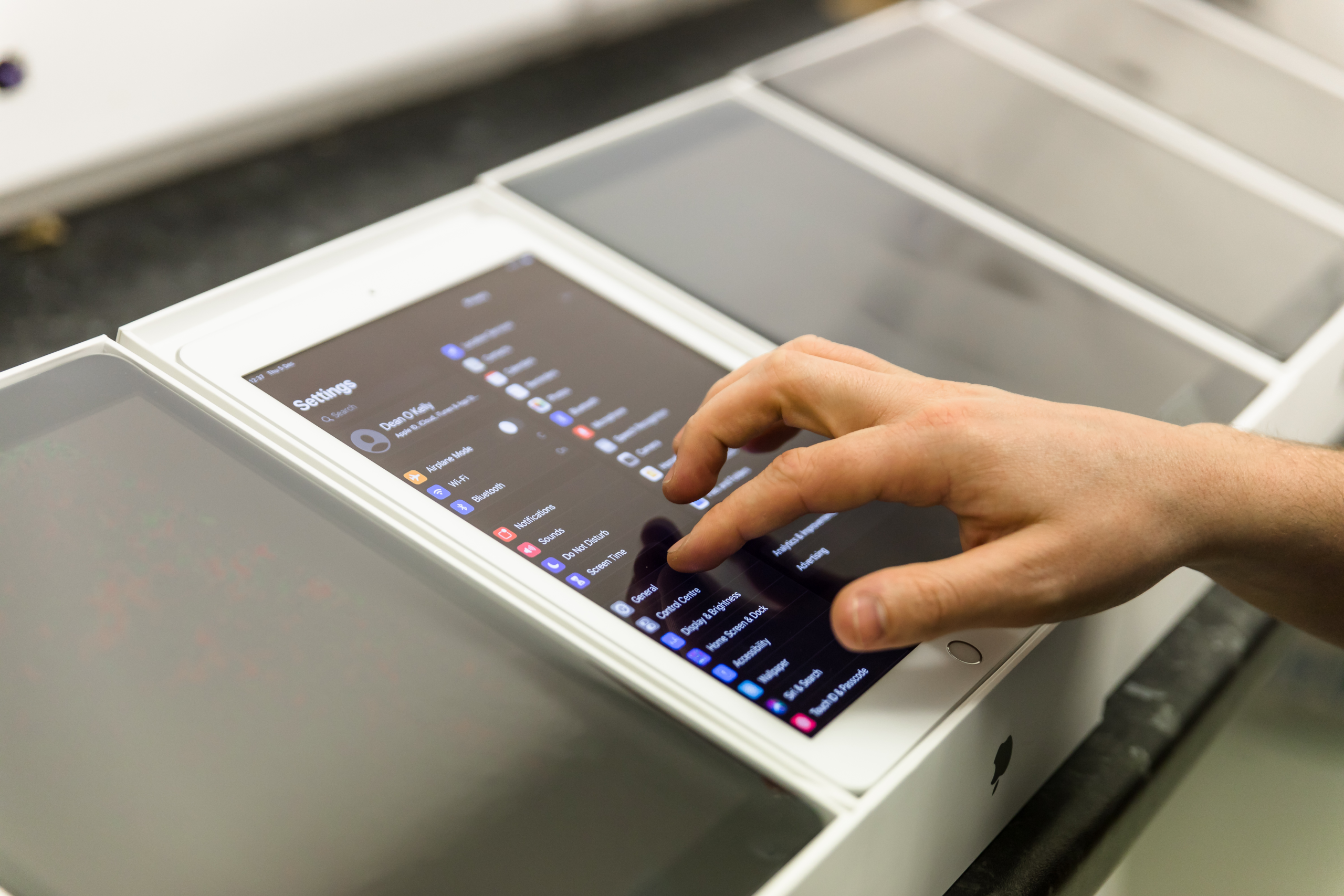
Your Student Technology Bundle
Unlike buying a device from a retail store shelf, every one of Wriggle’s Student Devices goes through a rigorous process to ensure it is fully locked down and set up for safe use in school, straight from the box.
When you purchase your child’s Wriggle Student Device Bundle here is what you get:
- A high quality ruggedised educational device
- Device case for protection
- Device management licence to safely lock-down devices for education use only
- Full device setup, including installation of all school apps and eBook account configuration
- Ongoing app and tech updates and full phone and email service & support throughout your child’s time in school from over 70 in-house experts
What is Wriggle’s Service and Support?

Full Device Set-Up and Security throughout Secondary School
To ensure that your child’s device is secured for educational use only, our technology team at Wriggle put your child’s device through a rigorous configuration process to make sure that:
- The device is set up with a device management profile so that it can only be used for educational purposes
- The device is configured correctly for school and overseen by our dedicated Apple, Microsoft and Google engineers
- School specific device restrictions are applied to the device to adhere to school policy
- Your device is set up with all the apps you need for school preloaded to your device
- Device safety management is in place for the duration of your child’s time in school
- New school apps and updates are automatically pushed to your device for the duration of your child’s time in school
Full Technical Phone and Email Support throughout Secondary school
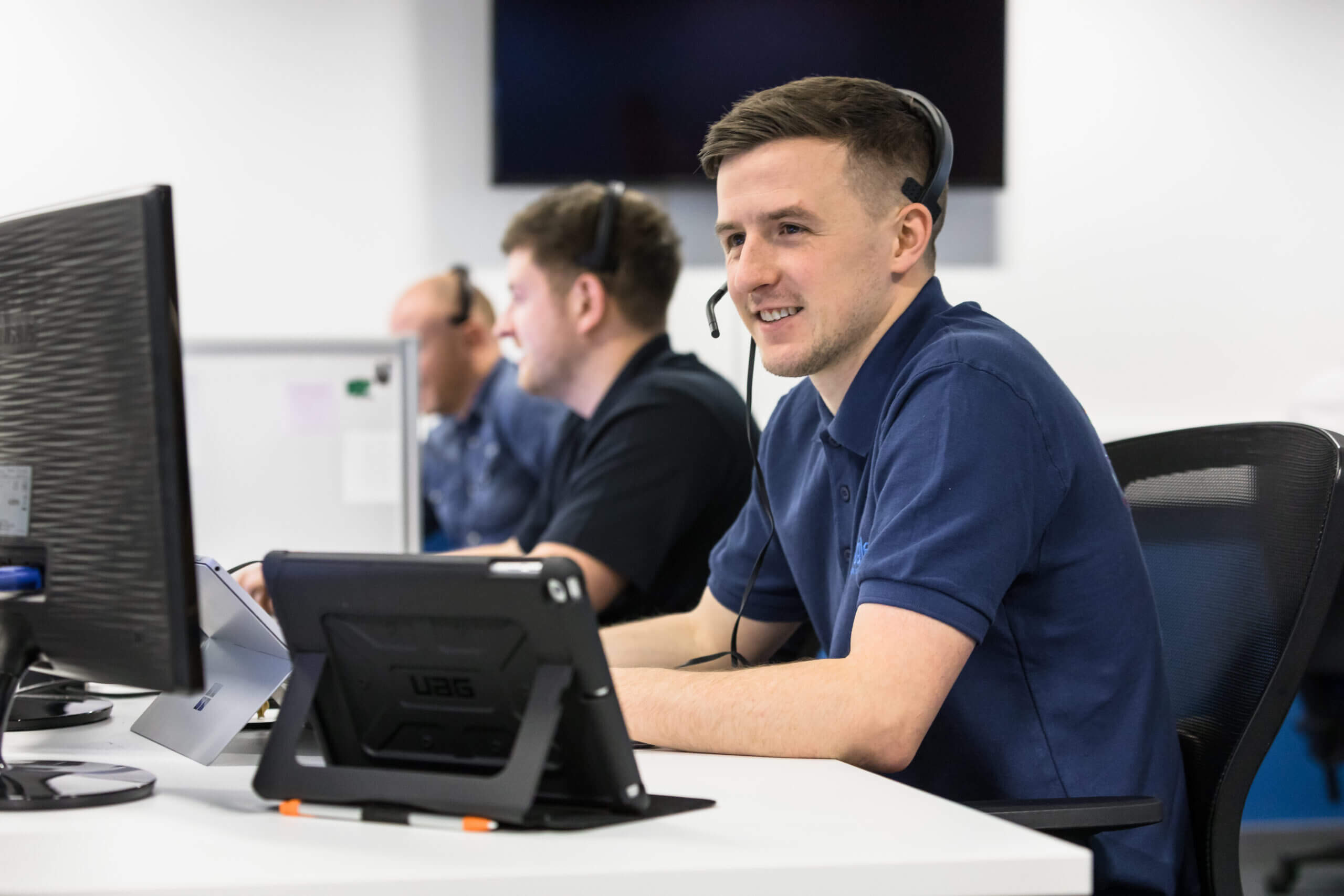
Technical Queries and issues arise, which is why Wriggle’s team offer parents a full phone and email support for all app and technical issues for the duration of your child’s time in school, including:
- Support for any technical issues with the device
- App support to ensure optimal performance of educational apps
- Device unlocking in cases where devices become Locked or ‘Disabled’
- Device reconfiguration to school specifications
- 3rd party account support, including device management applications such as ASM, InTune and JAMf Classroom
- *Warranty repairs and support
- Logistics repairs support
- Ongoing school app pushes and updates
- Device software cover
- Mobile Device Management licence and platform maintenance
*Device setup, management and support begins once you receive your student’s Wriggle school device. The device is then managed and supported under Wriggle’s service and support package for the duration of your child’s time in school. Please note that Wriggle will honour any existing accidental damage or warranty cover for the full duration of this cover as stated in your policy.
On-Demand Training in Technology for Parents and Students
To ensure that your child gets the full benefits from their device for learning and that you are up to speed with all the digital tools they are using every day in school, all 1st-year parents and students will have full on-demand access to a library of 100s of 2-minute tutorials created by Wriggle’s expert team of teachers and digital safety experts on our training platform, Wriggle Connect Family, at no extra charge, as part of your child’s Wriggle school technology bundle.
These easy 2-minute tutorials cover:
- Device setup and security
- eBook guides
- Internet Safety Filtering
- Applying Parental Restrictions
- Checking Screentime
- Wellbeing and resilience skills
- Uploading Homework Online
- Digital Study Skills
- Accessibility tools for learning
- Tutorials on all your school learning apps
Students are awarded certificates on completion of all training courses, and all training tutorials are regularly updated to ensure they are up to date and relevant.
Want To Learn More About How Technology Can Support Your Student in School or College?
We have curated and published thousands of support articles, videos, webinars and guides in collaboration with our educational partners which can support you and your student throughout your digital learning journey.
About Wriggle
Wriggle are one of the leading Education Technology Companies in Ireland, providing a digital learning solution for schools and is here to support you in all of your educational needs.