

Post-Primary Technology
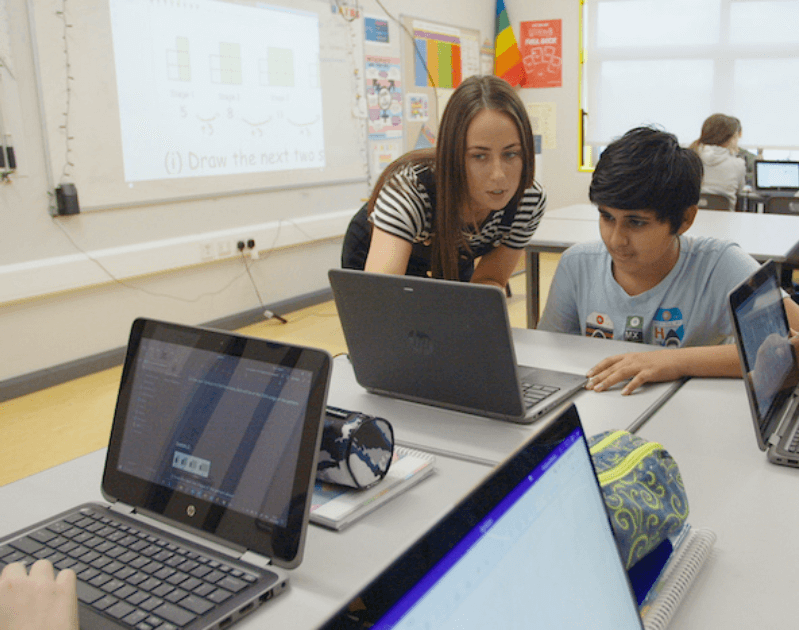
Transition Seamlessly from Primary to Post-Primary with Wriggle
The transition from primary to post-primary school brings many new experiences and opportunities, but there is a lot for students and parents to take on board. From new friends, teachers and timetables to getting used to learning independently with technology, completing curriculum-based assessments and sitting state exams. There is a lot to learn and wrap your head around. But don’t worry! We are here to help.
Over the past 10 years, Wriggle’s team of teachers and tech experts have worked with 100s of post-primary schools just like yours who want to give the best learning experience to their students and ensure they are prepared with the skills they will need for college, work and beyond. Working together with these schools, we have developed services, solutions and resources to support you and your child on their journey through post-primary school.
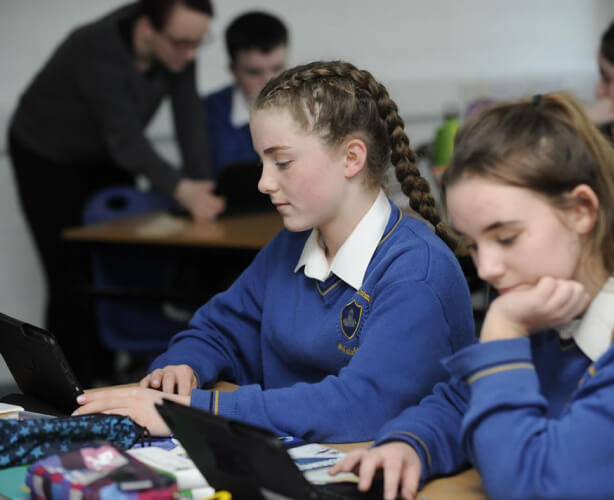
What is 1:1 school technology?
The term 1:1 means one device per student, so every student in a 1:1 school has their own device for learning. It is understandable for parents to wonder why a school would choose to go with a 1:1 device model and what the benefits would be for their child.
In the one hundred and thirty 1:1 schools we support around Ireland, all the school leaders tell us that they want every one of their students to have equal opportunities to access and engage with learning and that they want to build students’ digital and independent learning skills, something that isn’t possible without the technology.
Popular Post-Primary School Devices

iPad’s powerful, thin and durable design and intuitive teaching and learning apps makes it the perfect companion for students and teachers in the classroom.
Key Features
- Study, create and collaborate with iPad built-in apps
- Supports Apple Pencil, Scribble Technology and Smart Keyboard
- Wirelessly connect to school smartboard

The Lenovo 300w Windows 3rd Gen device is your multi-function master. Use it in laptop or tablet mode or draw or annotate on the go with your own pencil.
Key Features
- Works seamlessly with Office 365 and Windows 11 apps
- Write or create with your own pencil with Pencil-touch technology
- Use in laptop or tablet mode

A compact, rugged 12” education laptop designed to withstand daily classroom use while supporting flexible, touch-enabled learning.
Key Features
- Rugged, classroom-ready design with spill-resistant keyboard and drop protection
- 2-in-1 flexibility – touchscreen with stylus support for laptop + tablet use
- Compact 12.2” display with Gorilla Glass for durability
A rugged 14″ flip and touch laptop combining durability, performance and easy servicing, ideal for teachers.
Key Features
- Use in laptop, stand, tablet or tent mode
- 14″ immersive display
- Works seamlessly with Office 365 and Windows 11 apps

A powerful and affordable 13” MacBook designed for education, combining premium Apple design, long battery life, and fast performance.
Key Features
- All-day battery life – up to 16 hours for a full school day of learning
- Powerful everyday performance – A18 Pro chip handles browsing, assignments, and collaboration with ease
- Premium Apple experience – durable aluminium design, macOS ecosystem, and built-in security

A compact, ultra-rugged 11.6” Chromebook built for K-12, combining long battery life with durable, student-proof design.
Key Features
- Rugged, drop-resistant build – MIL-STD 810H durability, rubber bumpers and spill-resistant keyboard
- All-day battery life – up to ~19 hours for uninterrupted learning
- Flexible & collaborative design – 180° lay-flat hinge with compact 11.6” display for easy sharing

A durable, easy-to-manage 14” Chromebook built for schools, combining all-day battery life with simple Chrome OS performance.
Key Features
- Rugged, classroom-ready laptop with spill-resistant keyboard and reinforced ports
- All-day battery life
- Simple & secure Chrome OS – fast, easy-to-use with access to Google Workspace and education apps

With 360° hinge and touch screen technology, the Lenovo 300e Chromebook is a versatile, interactive device, perfect for the classroom.
Key Features
- Clamshell, touch-screen design
- Use in laptop, tablet or tent mode
- Works perfectly with Google Workspace learning apps
How technology is used in school
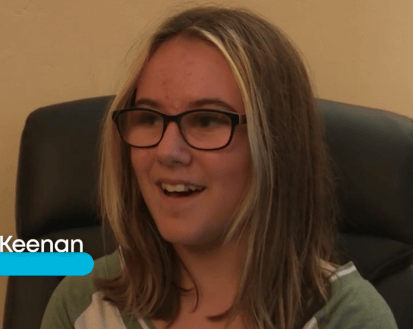
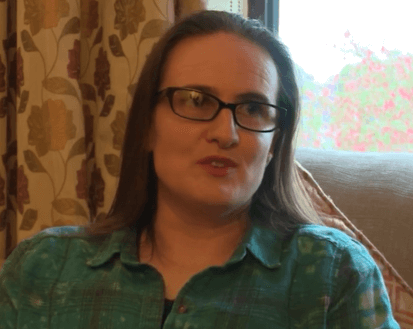
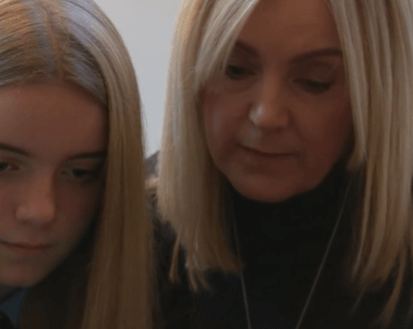
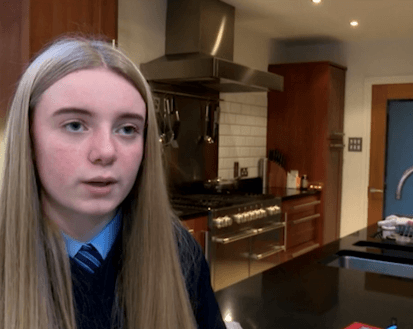
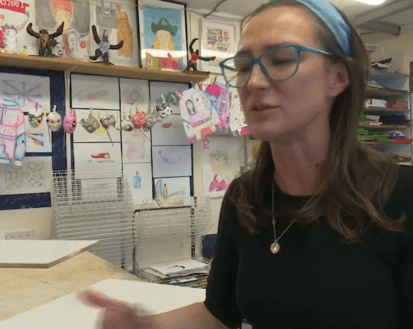
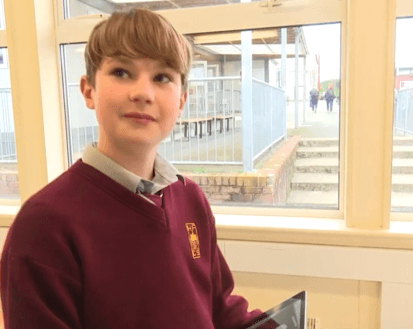
It is understandable for parents of new students in 1:1 schools to have questions about how safe the school’s technology will be, will your child adapt to using devices in school and will it really make any difference to how they learn. We interviewed parents and students from some of these schools to get their honest insights on the impact 1:1 digital learning has had on their children.
Training and Support for All
The learning tools available on student devices assist them with building the key skills required of them in the Junior Cycle, developing independent learning skills, creating presentations and digital portfolios for curriculum-based assessments and supporting all students to access learning and achieve their potential.
Below are just some of the 100s of short training videos on our learning platform to get you started. Parents of students in 1st year in Wriggle 1:1 schools get complimentary access to all of these training tutorials. If you’d like to see more or start upskilling, simply click the link below and log in to Wriggle Connect Family.
Support for You and Your Student
We know that parents and students will have questions and will need support with their child’s devices. That is why all Wriggle 1:1 school technology bundles come with 3 years of phone and email support from our technical and customer service team.