
iPad Tools for Senior Cycle AACs

Discover Apple's Top Tools for Completing AACs
Empower students to succeed in Senior Cycle assessments with the full suite of iPad tools—designed to support research, creativity, collaboration, and reflection all in one place. From planning and capturing evidence to presenting high‑quality work, iPad enables students to demonstrate their learning in meaningful, flexible ways.
Popular iPad Tools for Senior Cycle AACs
Check out some of the most popular, built-in iPad tools to support students along every stage of the Additional Assessment Components.
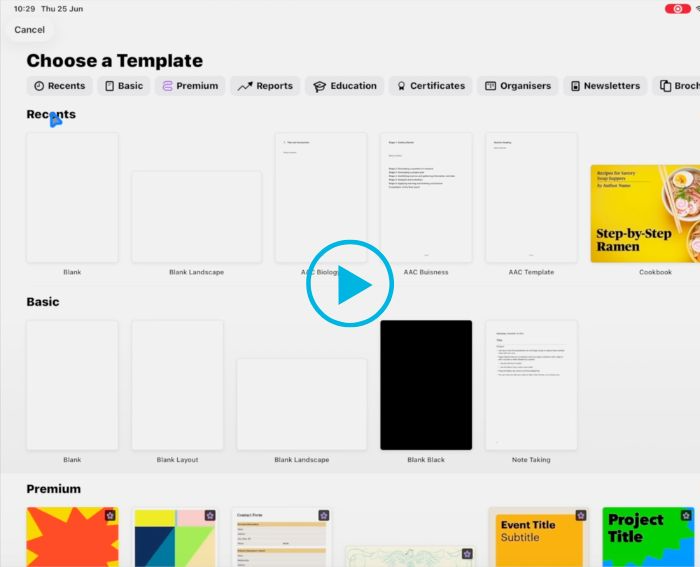
Using Freeform to Brainstorm AACs
Freeform empowers students to think visually, collaborate freely, and turn ideas into structured assessment plans.
Features Include:
- Sparks creativity with a limitless canvas
- Enables real-time collaboration (teacher + student)
- Helps organise ideas into clear assessment structures
- Supports multimodal thinking (notes, images, links, sketches)
- Encourages quicker brainstorming and iteration
Watch the creation of a Freeform doc for brainstorming in our video below.
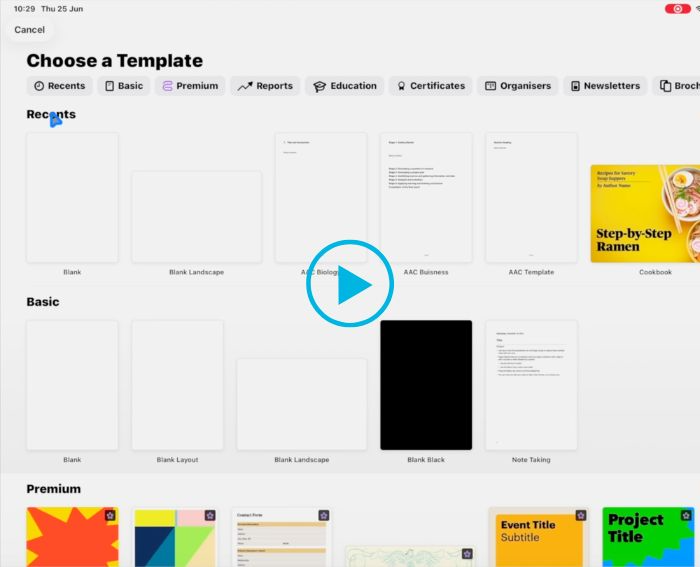
Using Pages for your AAC
Apple Pages is so much more than a note-taking app. This versatile app comes with all the Apple collaboration, communication and accessibility tools built-in so you can create, translate, animate and share your projects from anywhere at the click of a button.
Features include:
- Pre-built editable templates to jump start your designs
- Insert objects, make notes, find settings and get to your favourite tools with the customizable toolbar
- Translate and collaborate in real time anytime, anywhere
- Turn hand-writing into text with the Scribble tool
See some of these tools in action in our video below.
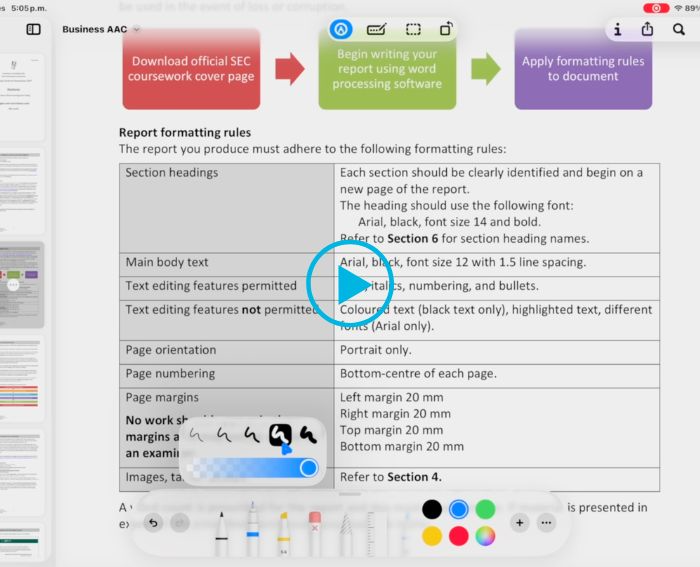
Using MarkUp Tools on iPad
Markup tools turn PDFs into interactive workspaces—helping students actively engage with content rather than just passively reading. By highlighting, annotating and commenting directly on documents, learning becomes more focused, organised, and easier to review.
Features include:
- Highlights key ideas for quicker revision and recall
- Enables comments and questions alongside the text for deeper thinking
- Keeps notes organised within the original document
- Supports feedback and collaboration between teachers and students
Want to see Markup Tools in action? Watch the video below.
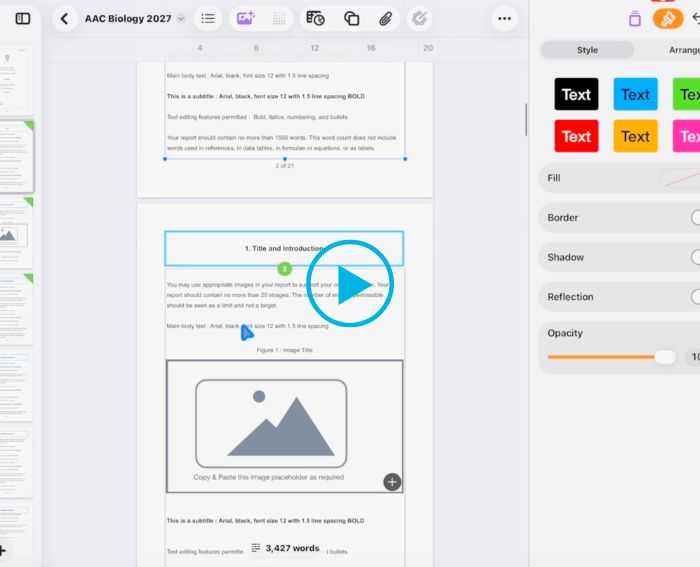
Using Apple's AAC Template in Pages
Apple’s ready‑made AAC templates in Pages give teachers a structured starting point for the new Senior Cycle AACs with flowing text boxes to make formatting and completing AACs easier.
With Apple’s AAC Template in Pages you can:
- Start with a ready-made template saving time creating this for students
- Ensure consistency of AAC completion across the school and subject departments by using the same template
- Ensure fair and consistent tracking of progress over time
- Format AACs with ease saving teachers and students hours of time.
Watch an overview video of this template in use for AACs.

Want to access ready-made AAC templates for your subject?
In conjunction with experienced Irish teachers and in-line with Oide guidelines, Apple have created free AAC templates for all the tranche 1 Senior Cycle subjects.
Simply click the link below and register to access these free templates and webinars on completing AACs on iPad.

Schedule a Call
Get in touch with our Education Solution Specialists today. We’d love to speak with you about your ambitions for digital learning and discuss how Wriggle Learning can support your school with Apple technology and services.